Themes
A theme sets every colour in a diagram with one line:
graph theme=nord
or from the command line, without touching the file:
pdg diagram.pdg --theme dracula
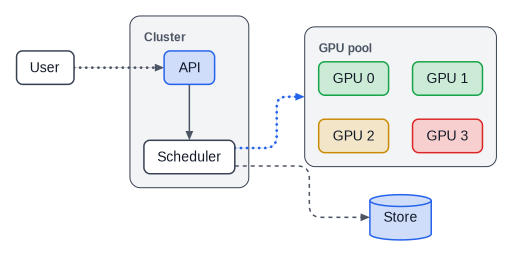
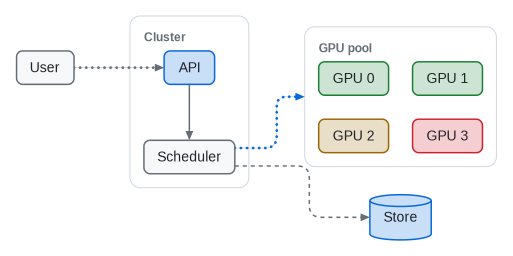
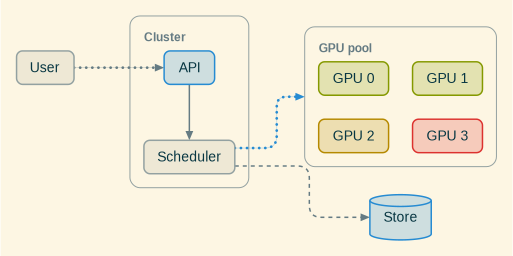
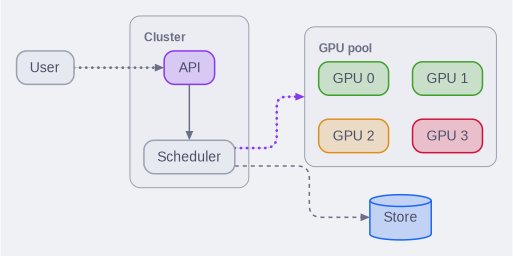
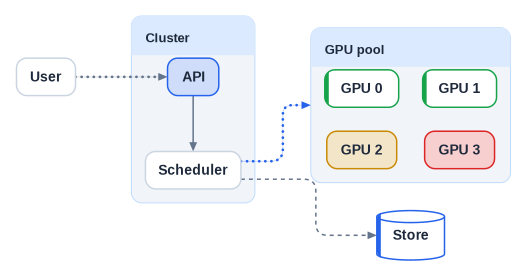
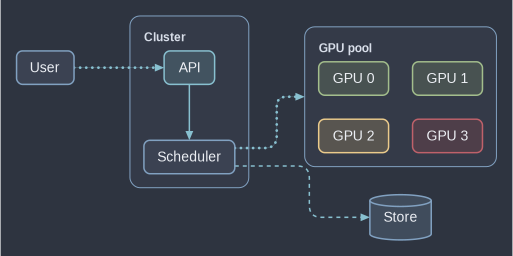
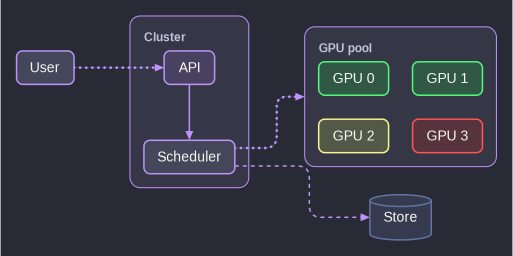
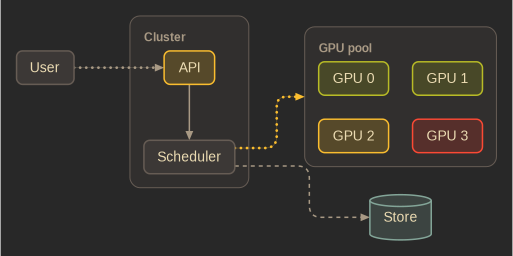
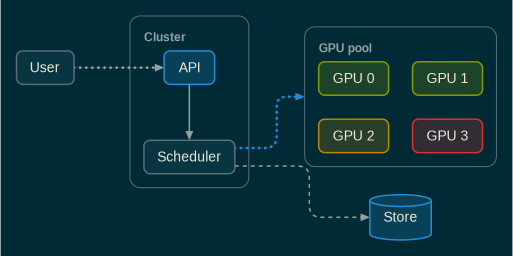
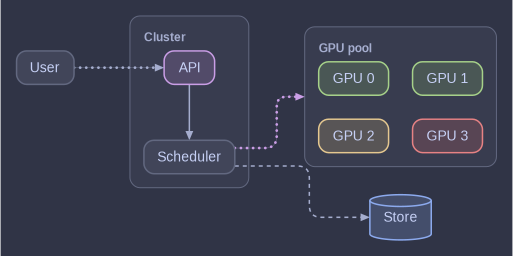
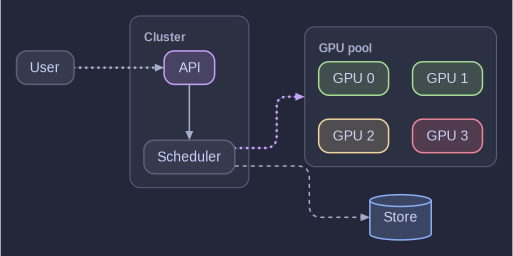
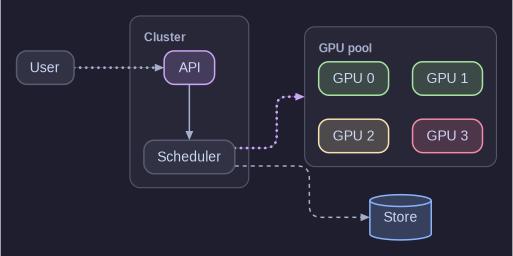
Each sample below is the same diagram. Moving edges and pulsing borders are part of the sample, so you can see how animation looks in each theme.
Light themes
Dark themes
Colour classes
Every theme provides the same classes, so a diagram keeps its meaning when you switch themes:
- Hues:
.red,.orange,.yellow,.green,.cyan,.blue,.purple - Roles:
.accent(the theme's highlight colour) and.danger - Inverted:
.solid(text on a filled box)
On a node or group, a class gives a soft fill with a strong outline. On an edge, it colours the line and its label.
db "Store" shape=cylinder .blue
sched -> pool .accent
Your own CSS on top
A theme is applied first, then your stylesheets, so you can change single things:
graph theme=nord
css { node.hami { font-weight: bold; } }
Make your own theme
A theme is a small TOML file. Start from a copy of a built-in one:
schema = 1
name = "my-theme"
dark = true

[palette]          # every colour is #rrggbb
bg = "#2e3440"
surface = "#3b4252"
fg = "#eceff4"
muted = "#d8dee9"
border = "#81a1c1"
red = "#bf616a"
orange = "#d08770"
yellow = "#ebcb8b"
green = "#a3be8c"
cyan = "#88c0d0"
blue = "#81a1c1"
purple = "#b48ead"

[roles]            # optional: which palette colour plays which role
accent = "cyan"
edge = "cyan"

[shape]            # optional
font = "DejaVu Sans"
radius = 6
edge-width = 1.5
- Use it with
graph theme=my-theme.toml(a path next to the diagram) or put it in a folder listed inPDG_THEME_PATH. extends = "nord"starts from another theme and changes only the colours you list.css = """ ... """(before the first[table]) adds your own rules after the generated ones, with the palette available as variables. Thehamitheme uses it for header bands, accent bars and grey second lines. Withextends, both themes' rules apply, the parent's first.- Roles:
accent,danger,node-fill,node-stroke,node-text,group-fill,group-stroke,group-text,edge,edge-text. - Soft variants (
--red-softand so on) and--bg-altare mixed automatically.
All palette colours and roles are also CSS variables, for example var(--accent).