Gallery
Every image on this page is rendered from the .pdg source next to it when the site is built.
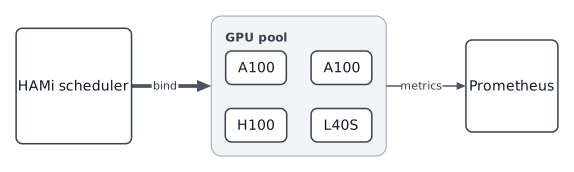
HAMi scheduling
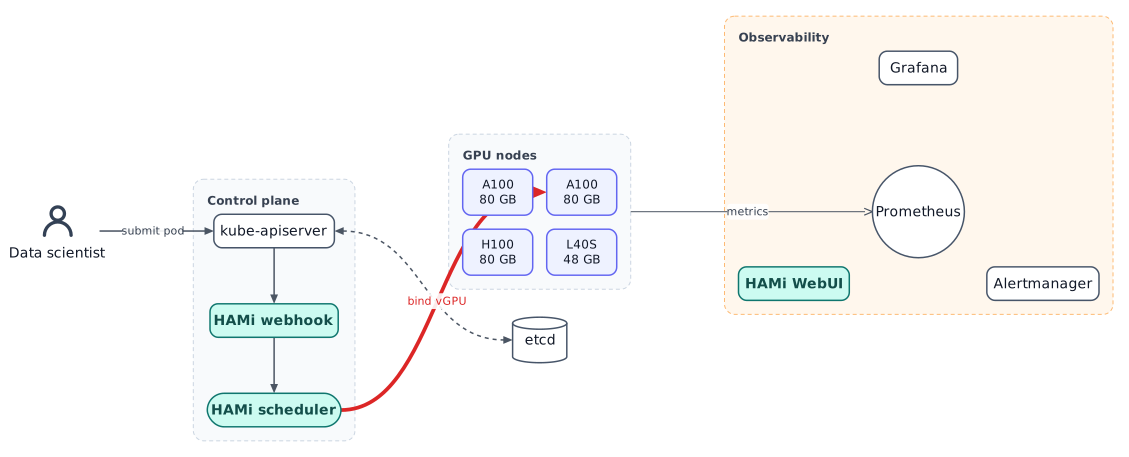
# HAMi scheduling flow: three balancing styles in one file
graph dir=LR balance=median route=curve edge-width=1.5 rank-gap=70
css "theme.css"

user "Data scientist" image=icons/user.svg img-width=40

group cp "Control plane" layout=layered dir=TB balance=center {
  api "kube-apiserver"
  hook "HAMi webhook" .hami
  sched "HAMi scheduler" .hami shape=pill
  api -> hook -> sched
}

group nodes "GPU nodes" layout=grid cols=2 gap=14 {
  default node .gpu
  g0 "A100\n80 GB"
  g1 "A100\n80 GB"
  g2 "H100\n80 GB"
  g3 "L40S\n48 GB"
}

group mon "Observability" layout=radial center=prom {
  prom "Prometheus" shape=circle
  graf "Grafana"
  alert "Alertmanager"
  dash "HAMi WebUI" .hami
}

db "etcd" shape=cylinder

user -> api "submit pod"
api <..> db arrow=both
sched ==> g1 "bind vGPU" .hot
nodes -> prom "metrics" width=1 head=open
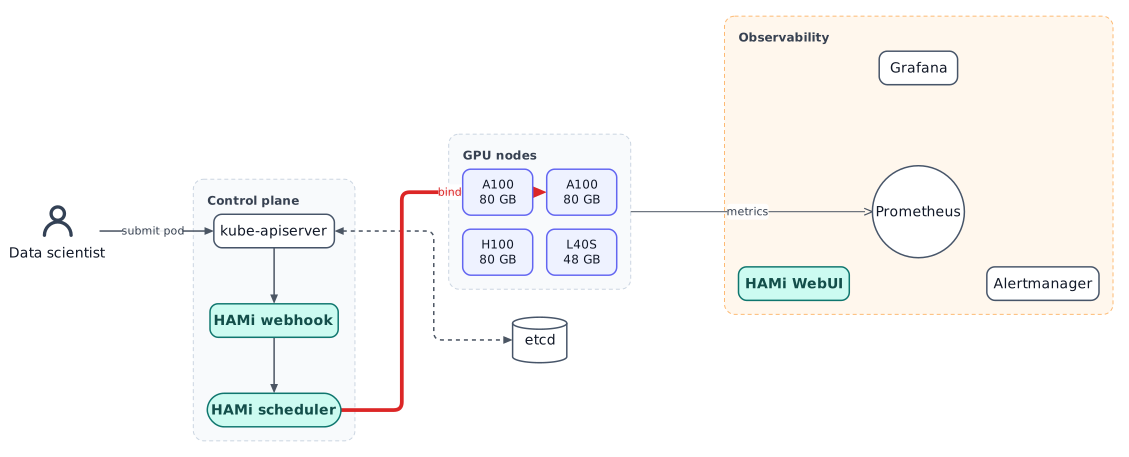
Same diagram, orthogonal routing
Blueprint
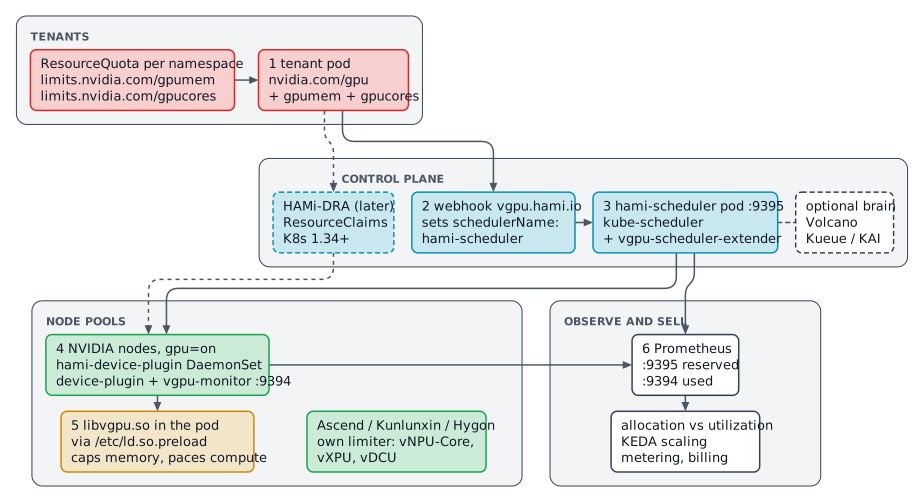
Mermaid diagram types, in predictygraph
The usual Mermaid diagram types, written as plain .pdg.
Flowchart
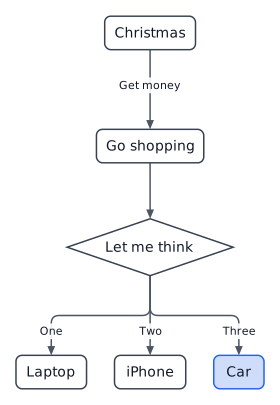
# Mermaid "flowchart" docs example (Christmas)
graph theme=default dir=TB route=ortho radius=8

A "Christmas"
B "Go shopping"
C "Let me think" shape=diamond
D "Laptop"
E "iPhone"
F "Car" .accent

A -> B "Get money"
B -> C
C -> D "One"
C -> E "Two"
C -> F "Three"
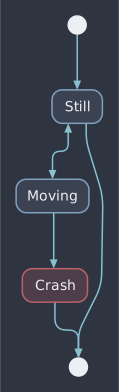
State
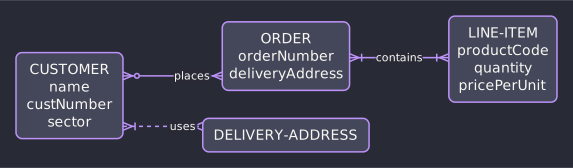
Entity relationship
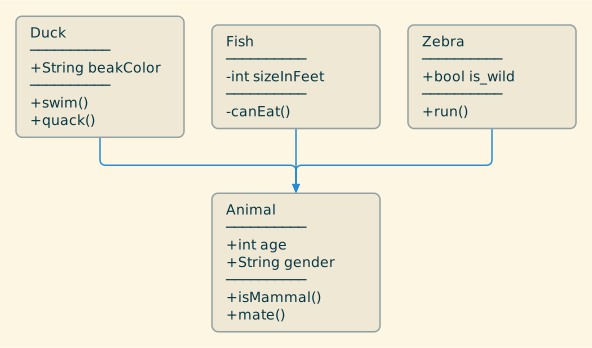
Class
Block
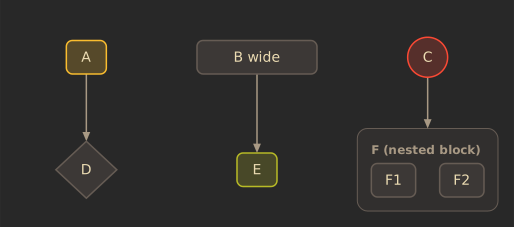
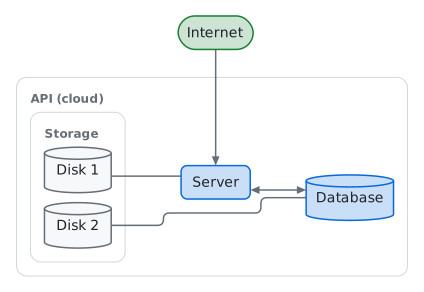
Architecture
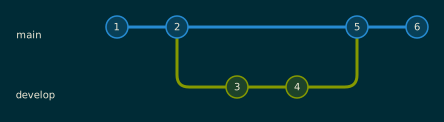
Git graph
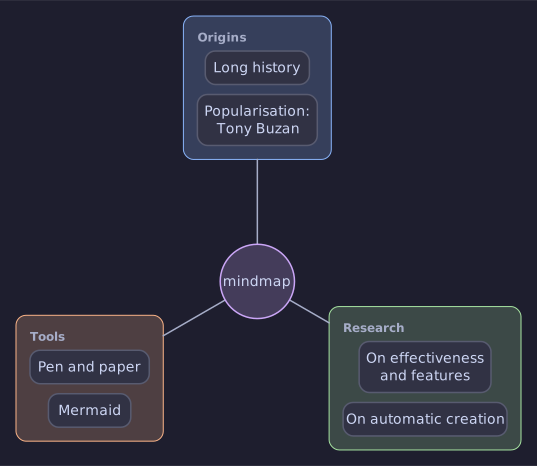
Mind map
Square nodes